Adding and editing a client
Clients appear in the base on their own — from calendar appointments and online booking. But you can also add one manually: "Clients → Client base" → "Add client".
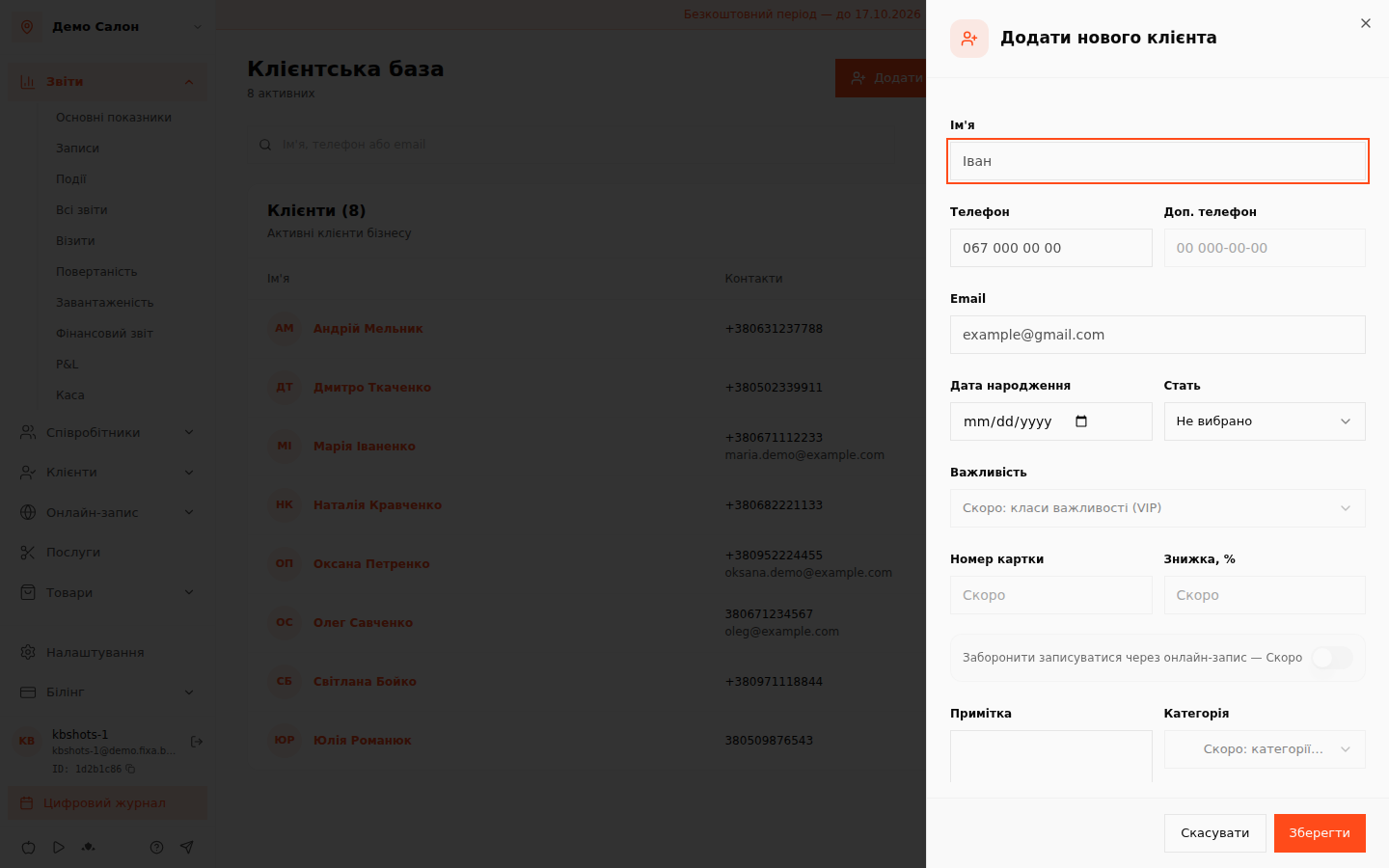
Creating a client
The only required field is the name. Phone, email, birth date, gender and a note are optional. The system normalizes phone numbers automatically, so "067 000 00 00" and "+380670000000" are the same number.
Duplicate protection: if a client with that number already exists, the system won''t create a copy — it shows a message with an "Open" button that takes you straight to the existing card.
The "Importance", "Card number", "Discount", online-booking ban and categories fields are marked "Soon" — they arrive with their modules.
Editing
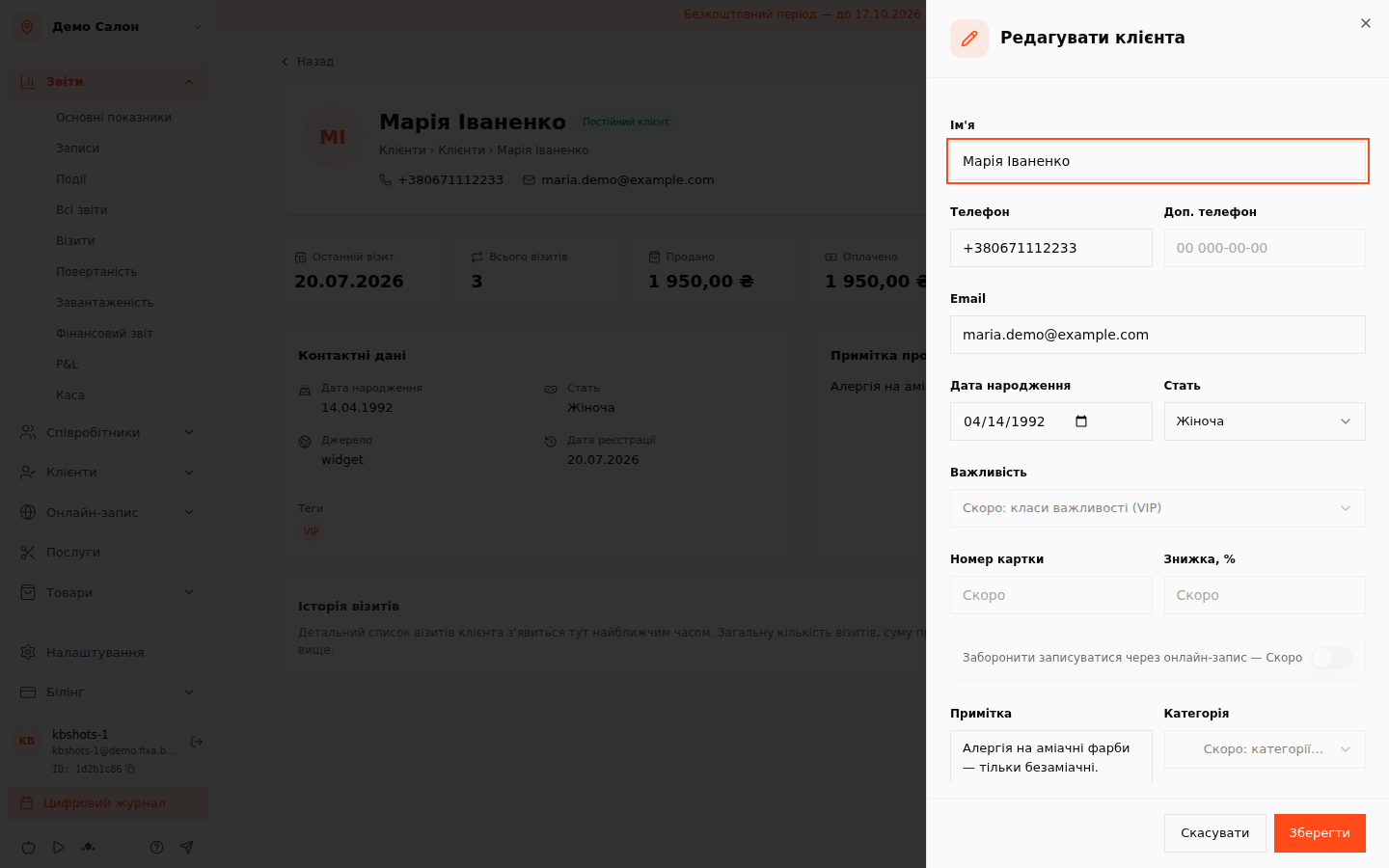
In the client''s card click "Edit" — the same drawer opens pre-filled. Changes are recorded in the event log (you can see who fixed what).
Anonymized clients cannot be edited — their data was irreversibly removed at the client''s request, and the system warns about this honestly.