FIXA plan: free period and managing your subscription
Everything about your subscription lives on "Billing" → "Plan" in the sidebar.
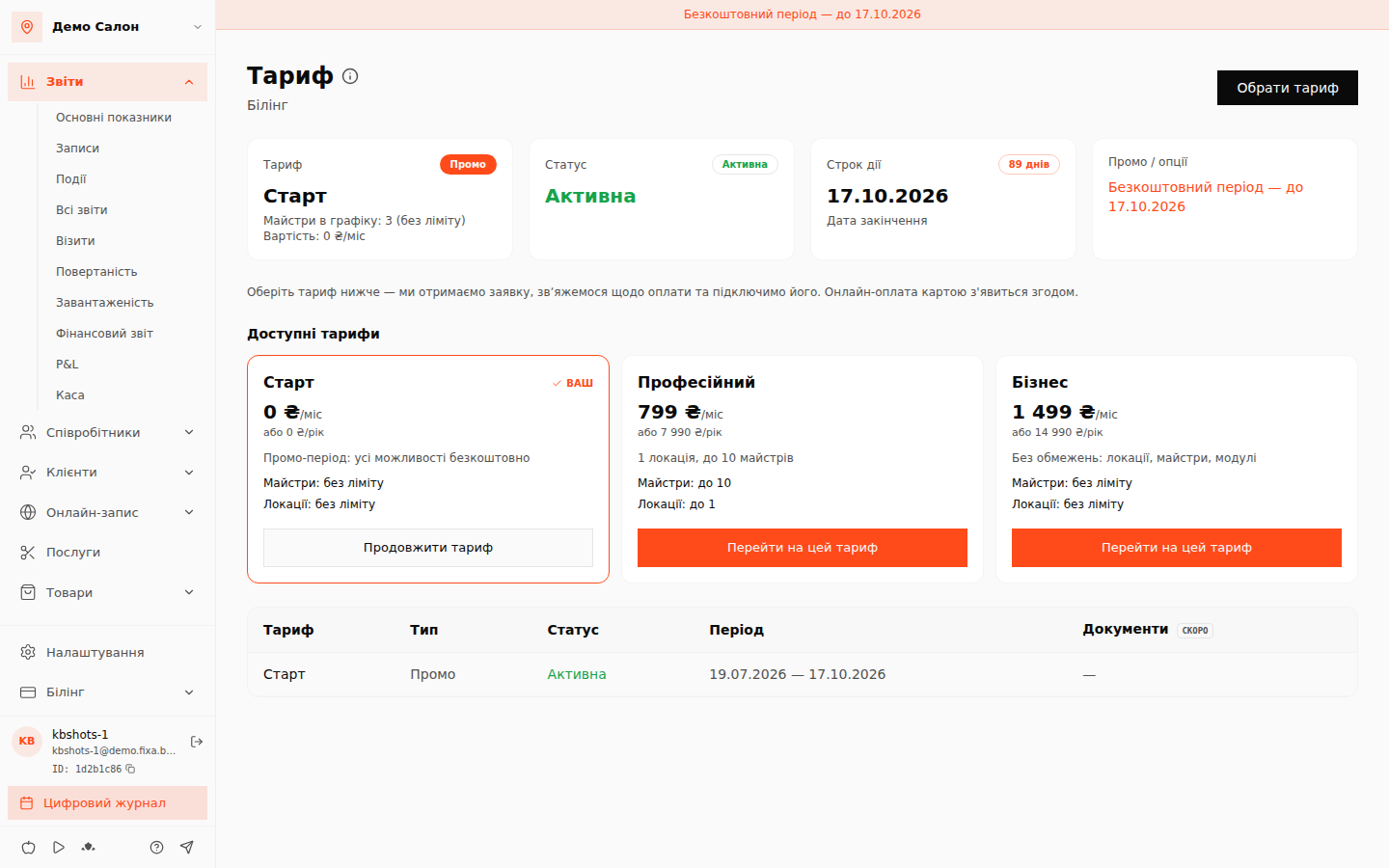
What the page shows
- Plan — your current plan and its limits (how many masters in the schedule and locations are allowed).
- Status — whether the subscription is active.
- Validity — the end date of the current period and a day counter.
- Promo / options — if a free period is active, its end date is shown here and in the banner at the top.
Below is the subscription history: all periods with dates and statuses. Invoices are marked "Soon" — they arrive together with online payment.
Free period
After registration a new business gets a free promo period with every system capability — no module restrictions.
Changing or extending your plan
The "Available plans" block shows plan cards with monthly and yearly prices and limits. Your current plan is marked "Yours".
- Click "Switch to this plan" on the card you want (or "Extend plan" on your own).
- In the dialog pick the billing period — monthly or yearly (yearly is cheaper) — and leave an optional comment.
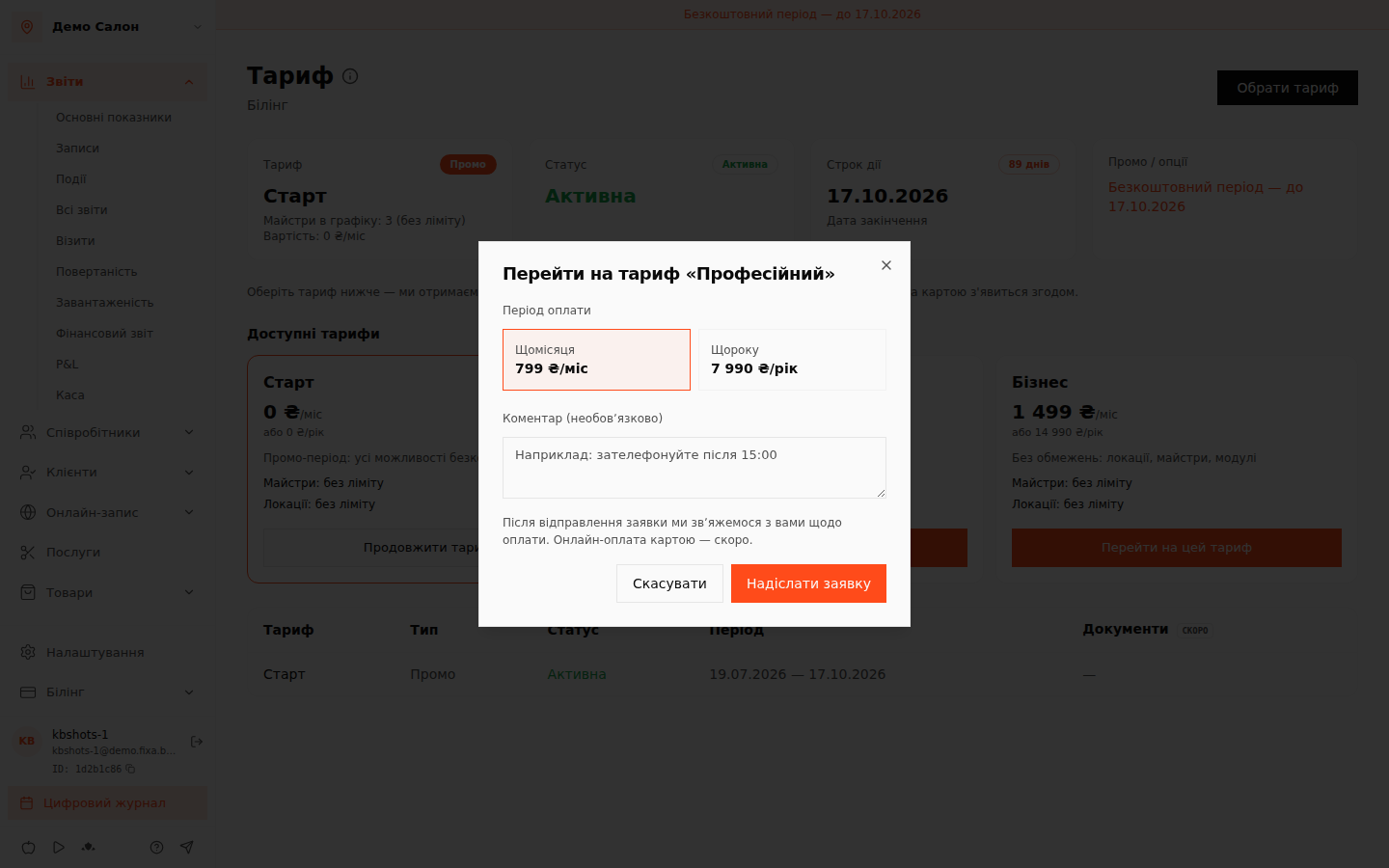
- After "Send request" we receive it, contact you about payment and activate the plan. While the request is pending it sits in a banner at the top of the page — you can cancel it there and submit another. Your request history with statuses is shown below the plans.
Online card payment is coming — then the plan will activate right after the payment.
The location limit is checked when creating a new branch in "Settings → Locations": if your plan doesn''t allow another one, the system offers an upgrade.