Event log: who changed what and when
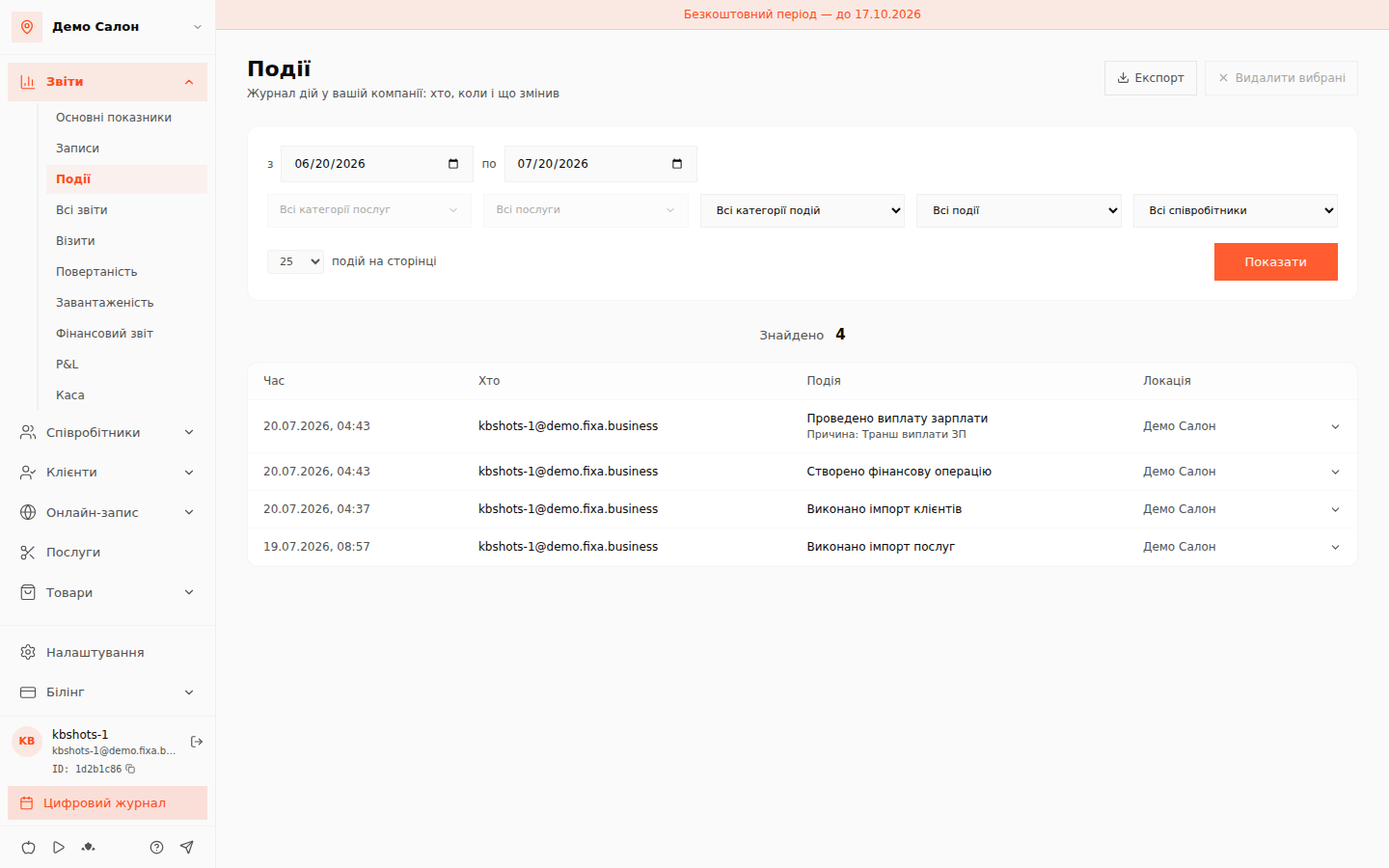
"Reports → Events" is the action log of your business. Every financial operation, stock movement, schedule change or client edit leaves a trace: you see who, when and what exactly they did.
How to use it
- The default period is the last 30 days; change the dates as needed.
- Narrow the search with filters: event category (Finances, Stock and products, Work schedules, Clients, Data import), type (Creation, Editing, Cancellation (storno), Posting) and employee.
- Click "Show". Below the filters you get the number of found events and a table: time, who, event, location.
Each row expands with the arrow on the right — inside are the change details as "was → became" (e.g. "Amount: — → 150"). The "Export" button downloads the list as a file for Excel.
Who can see the log
The log is visible to the owner and cabinet administrators. Invited masters have no access — they only see their own schedule and appointments.
The audit log is immutable: events cannot be edited or deleted — that is the whole point. Per-service filters are marked "Soon".