Moving from Altegio: how we transfer your data
We transfer your data from Altegio on our side — you don't need to export anything manually or retype it.
What gets transferred
- Clients — the base with names, phone numbers and history.
- Services — the price list with categories and prices.
- Specialists — the team, positions and service assignments.
- Appointments — the visit history, so reports and statistics don't start “from zero”.
- Products and inventory — the catalogue, categories and stock levels.
- Financial history — operations and accounts.
How to submit a request
- During registration, on the “Перенесення” (Transfer) step answer the question about moving from another CRM — choose Altegio and click “Залишити заявку” (Submit a request).
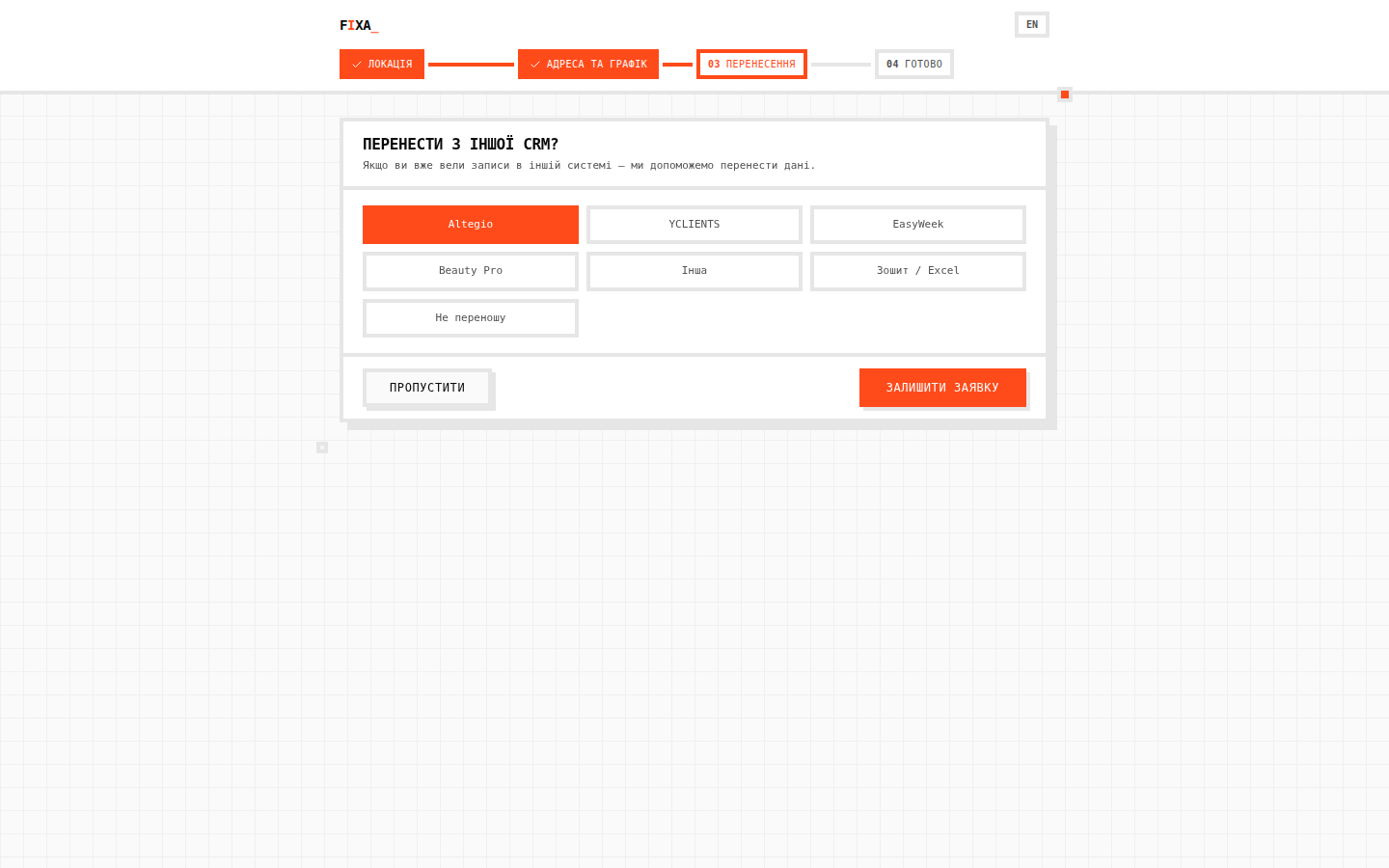 2. You will see the confirmation “Заявку прийнято” (Request accepted) — a manager will contact you to agree on access and the transfer time.
3. While the request is in progress you can use the system — the transferred data will be carefully merged in.
2. You will see the confirmation “Заявку прийнято” (Request accepted) — a manager will contact you to agree on access and the transfer time.
3. While the request is in progress you can use the system — the transferred data will be carefully merged in.
💡 Tip: if you have already registered and skipped this step — just write to us via the Support page, a manager will create the request.
How the move happens
The transfer is one-off: we take the data from Altegio, reconcile the counts (clients, appointments, operations) and hand you the salon already filled in. After the move you work only in FIXA — no need to run two systems in parallel.
FAQ
Will future appointments get lost? No — both future appointments and visit history are transferred.
How long does it take? Depends on the size of the base; typically one business day.