How to embed online booking into your own website
You don't have to open FIXA online booking via a link — the form can be embedded right into your website: Tilda, WordPress, a custom landing page or any page that accepts HTML.
Where to get the code
Open "Online booking → Booking links" → "Configure" and scroll to the "Embed on your site" block.
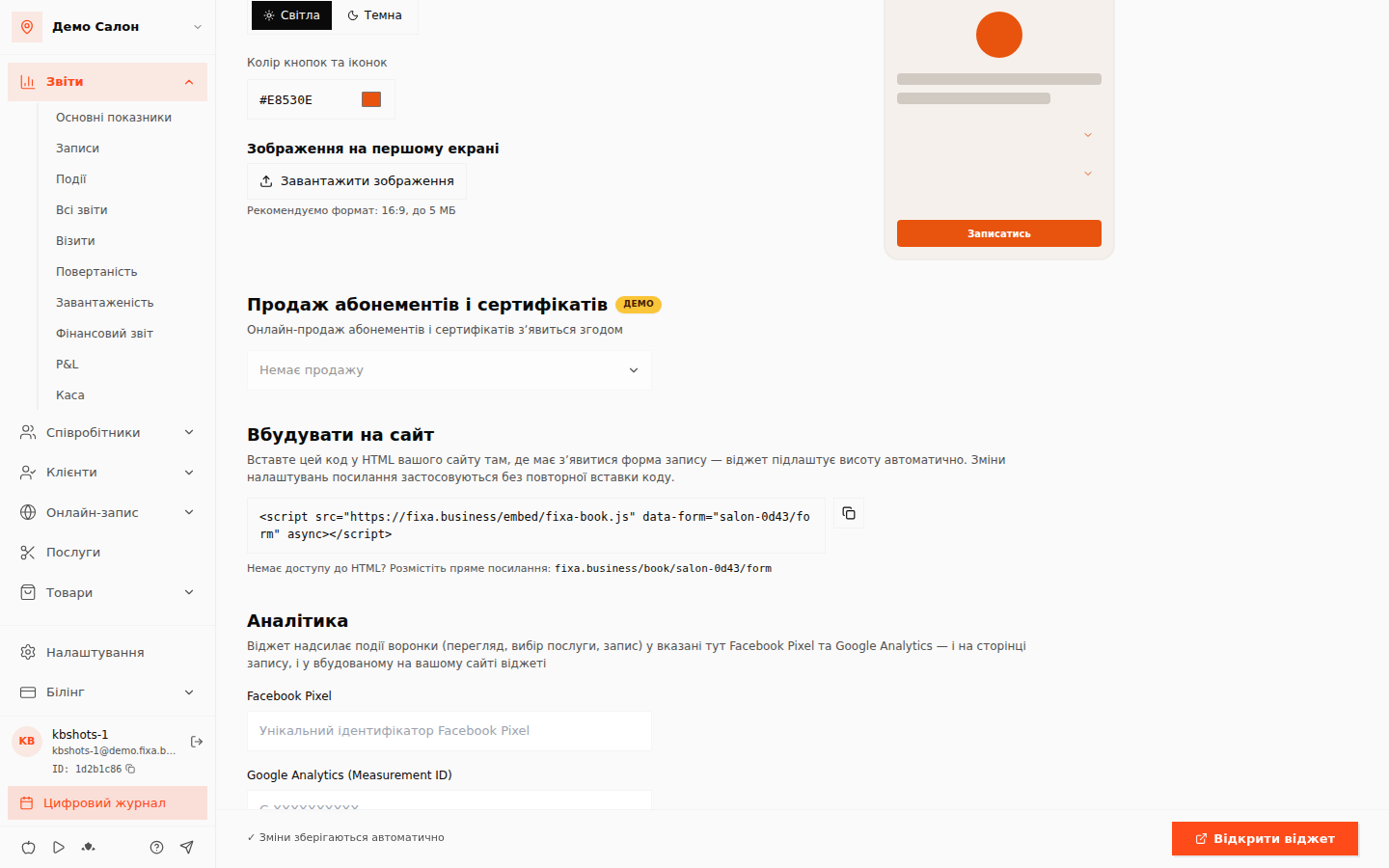
Copy the code with the button next to it and paste it into your site's HTML where the booking form should appear.
How it works
- The code loads a lightweight
fixa-book.jsscript that renders the widget in a frame on your page; - the widget adjusts its own height to the content — no scrollbars or clipped buttons;
- every link-settings change (format, theme, services, prices) applies automatically — no need to re-paste the code.
Alternative: a plain link
If you can't paste code (e.g. Instagram), use the plain link like fixa.business/book/your-salon/name — its address is in the same editor. How to create and share a link: Creating an online booking link.