How to add services, categories and prices by position
Services are the foundation of the journal and online booking: without a price list there will be no appointments and no payments.
Create a service
- Open the “Послуги” (Services) section.
- Click “Нова послуга” (New service).
- In “Основні налаштування” (Basic settings) fill in the name, pick a category (or create a new one — the new category name field), set the duration and the base price.
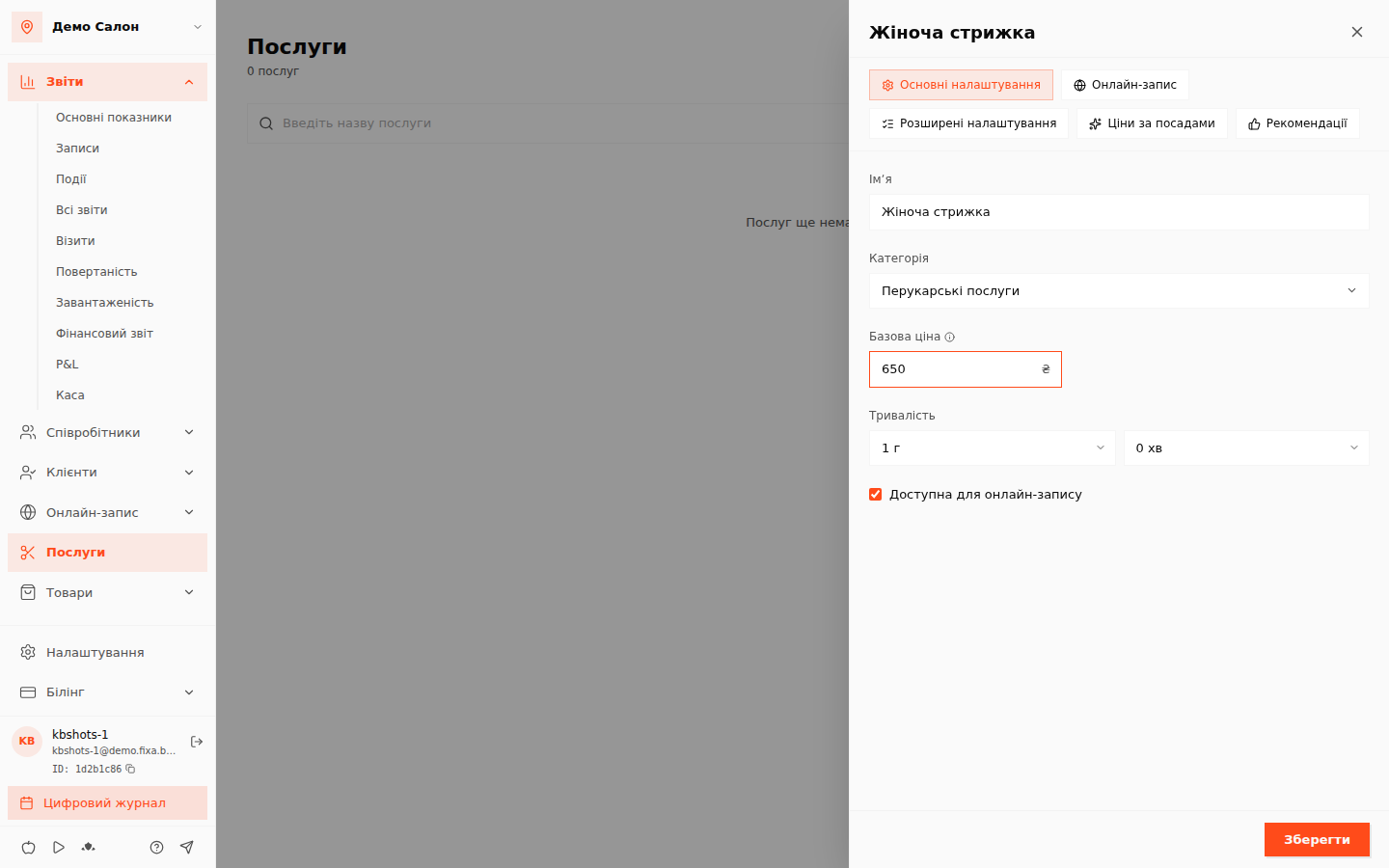 4. Click “Зберегти” (Save).
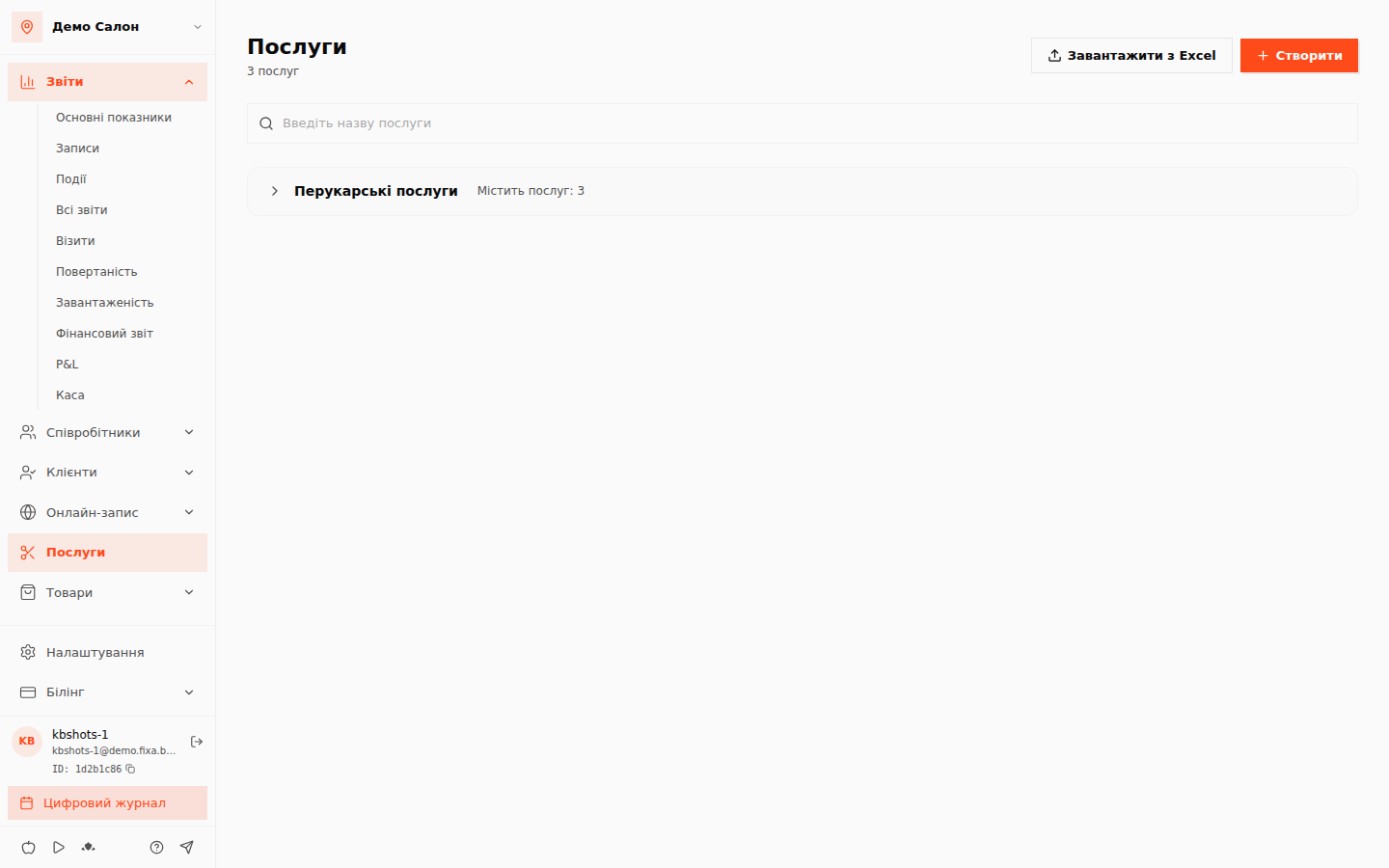
💡 Tip: categories group services in the price list and in the online booking widget — it is easier for the client to find what they need. You can also manage them separately: “Послуги → Категорії послуг” (Services → Service categories).
Prices by position
The same service can cost differently with a top specialist and a junior one:
- Open the service and go to the “Ціни за посадами” (Prices by position) block (available after the service is saved).
- Pick a position and set its price; repeat for other positions.
- Click “Зберегти ціни” (Save prices).
Now in appointments and in the widget the price is taken from the position of the chosen specialist; positions without their own price use the base price. Positions are created in “Співробітники → Посади” (Employees → Positions) — see How to add specialists and positions.
Online booking for a service
For a service to appear in the widget, the “Онлайн-запис” (Online booking) tab of its editor must have “Доступна для онлайн-запису” (Available for online booking) enabled and specialists assigned — step by step in How to assign specialists to services.