Adding location photos to the gallery
Photos are the first thing a client looks at when choosing where to book. In FIXA, your location photos live in the gallery and are shown to clients on the "About" page of online booking.
Where to find the gallery
- Open the «Налаштування» (Settings) section in the admin panel.
- In the "Location" group, choose the «Галерея» (Gallery) card.
How to upload photos
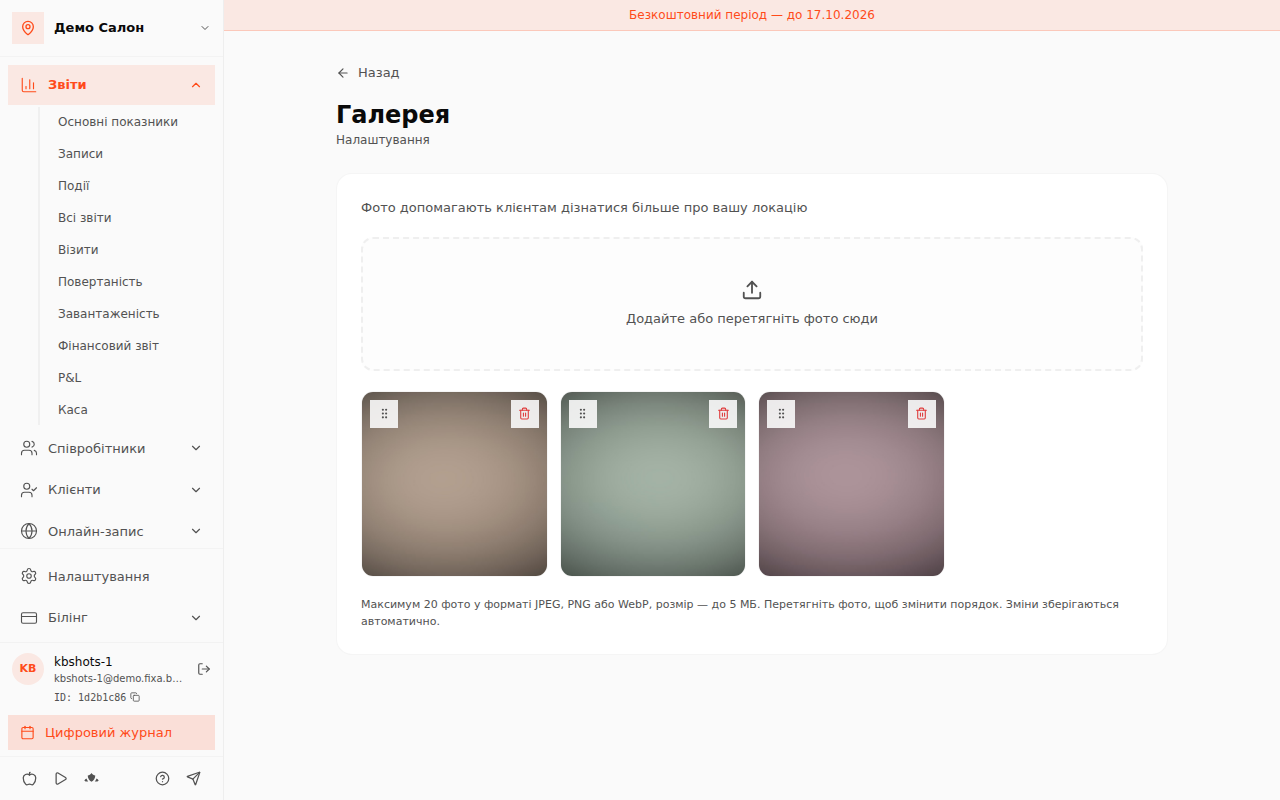
Click «Додайте або перетягніть фото сюди» (Add or drag photos here) — you can select several files at once.
- Up to 20 photos in JPEG, PNG or WebP format.
- Each file — up to 5 MB.
- Reorder photos by dragging; changes are saved automatically.
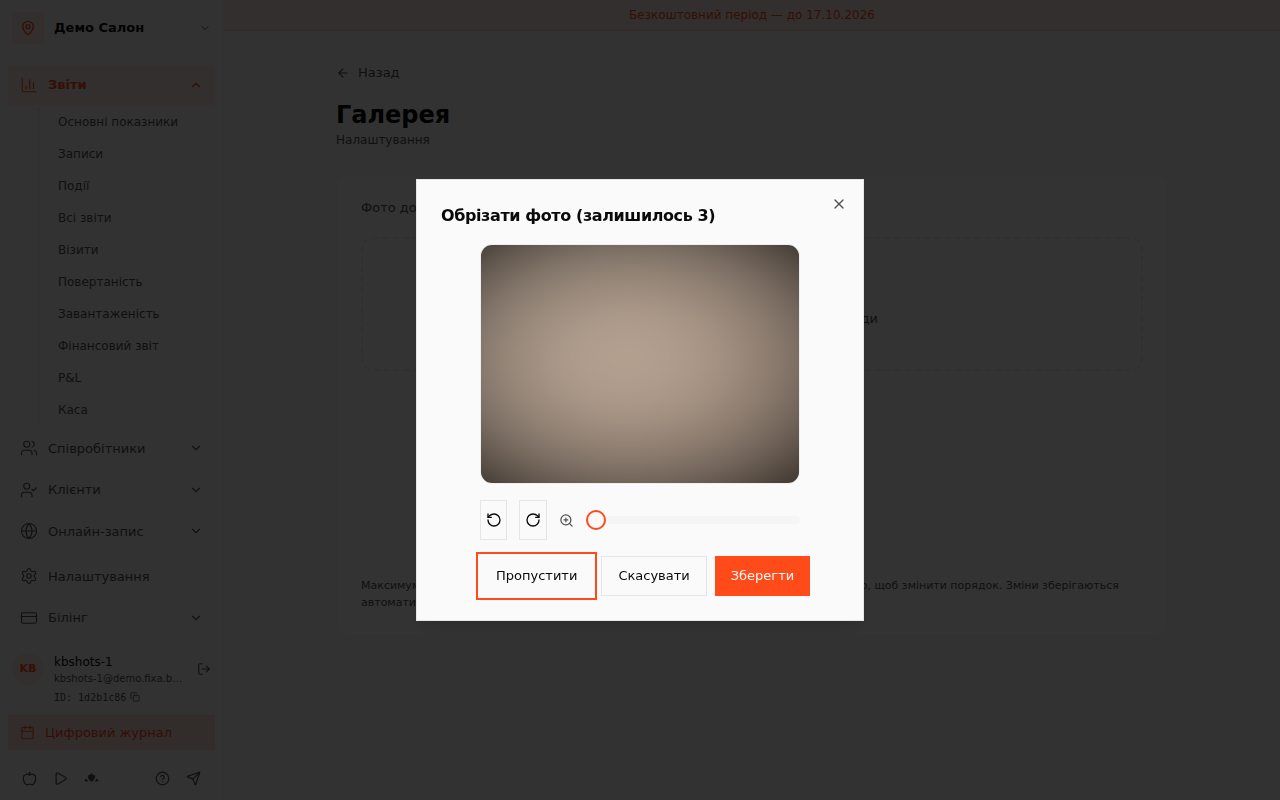
Before saving, each photo can be adjusted in the «Обрізати фото» (Crop photo) window: rotate left or right, zoom, or click «Пропустити» (Skip) to keep it as is.
To remove a photo, hover over it and click «Видалити фото» (Delete photo).
What the client sees
Photos appear on the "About" page of your online booking form — together with the address, business hours, contacts and the map.
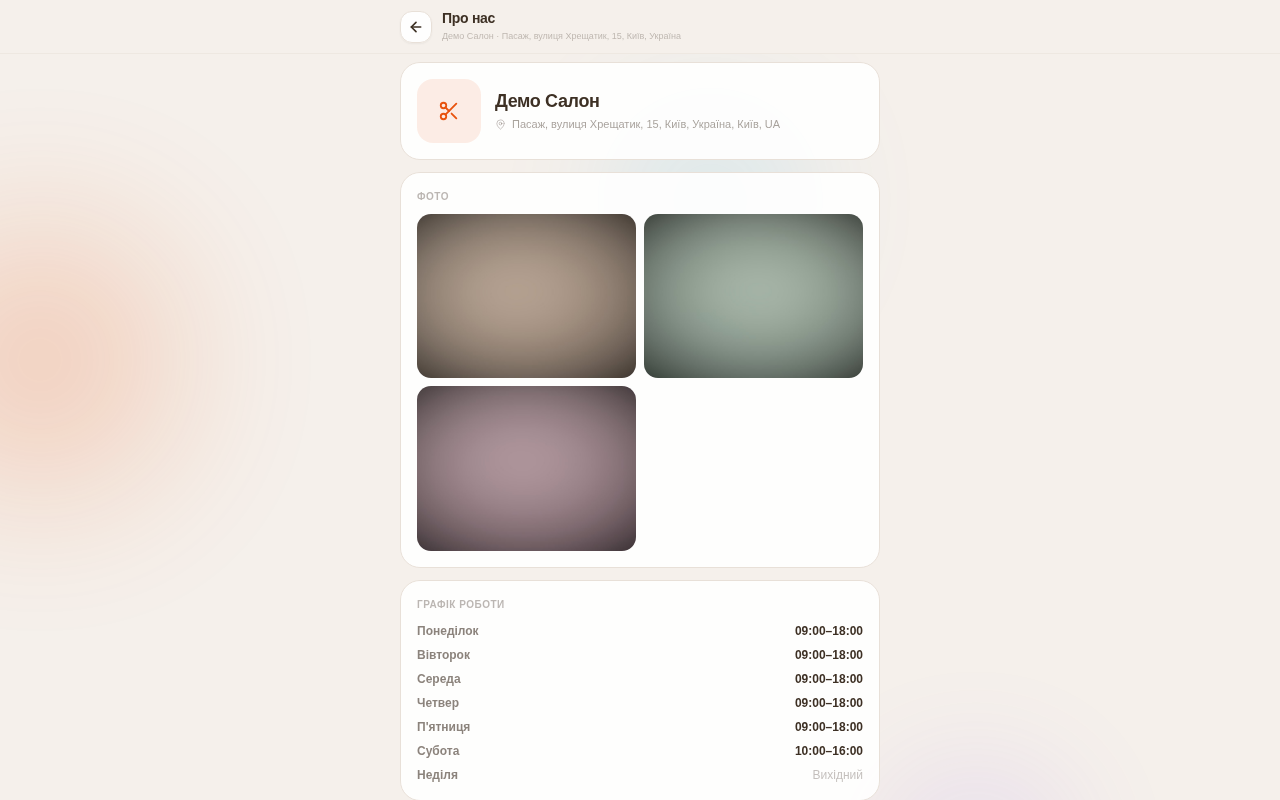
💡 Tip: add 3–5 real photos — the interior, a workstation, examples of your work. Genuine shots build more trust than stock images.