How to set up your brand and business contacts
You provided the core business details during registration. Here is where to change them later.
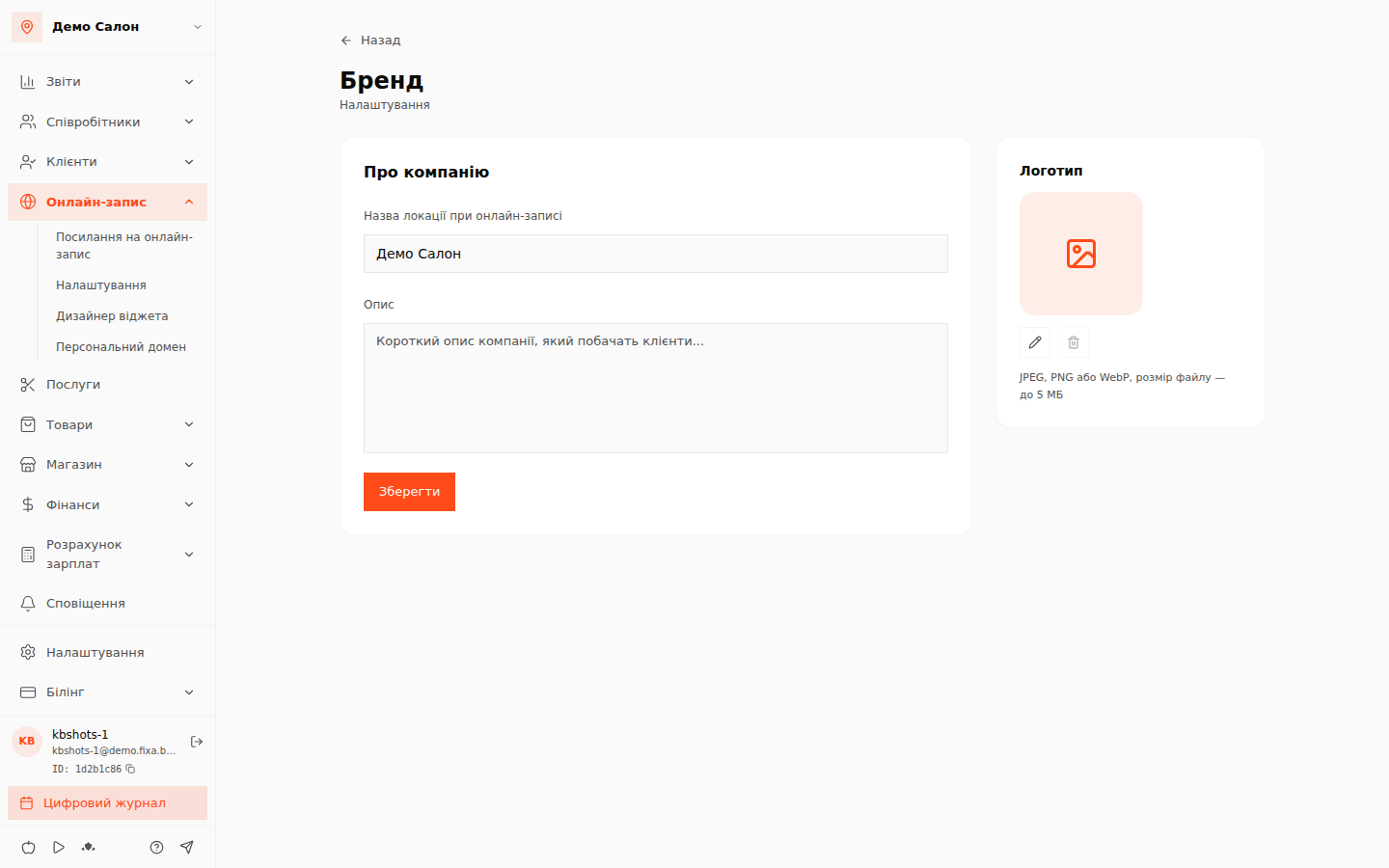
What belongs to the brand
- Logo — shown in the online booking widget and in the panel. Uploaded as PNG or JPG up to 2 MB, cropped to a square.
- Business name — what clients see in the widget and in notification emails.
- Address, phone, website — the location's contacts.
- Working hours — the base schedule of the business; personal schedules of specialists are set separately in the Work schedule.
Where to change
- Open the “Налаштування” (Settings) section in the admin panel.
- Change the location fields you need — name, address (with suggestions while typing), phone, working hours.
- Click “Зберегти” (Save).
💡 Tip: if you have several locations, each has its own address, phone and schedule — switch the location in the panel and configure each one separately.