Signing in, password reset and account security
Sign in to FIXA at fixa.business/login with the email and password you used at registration.
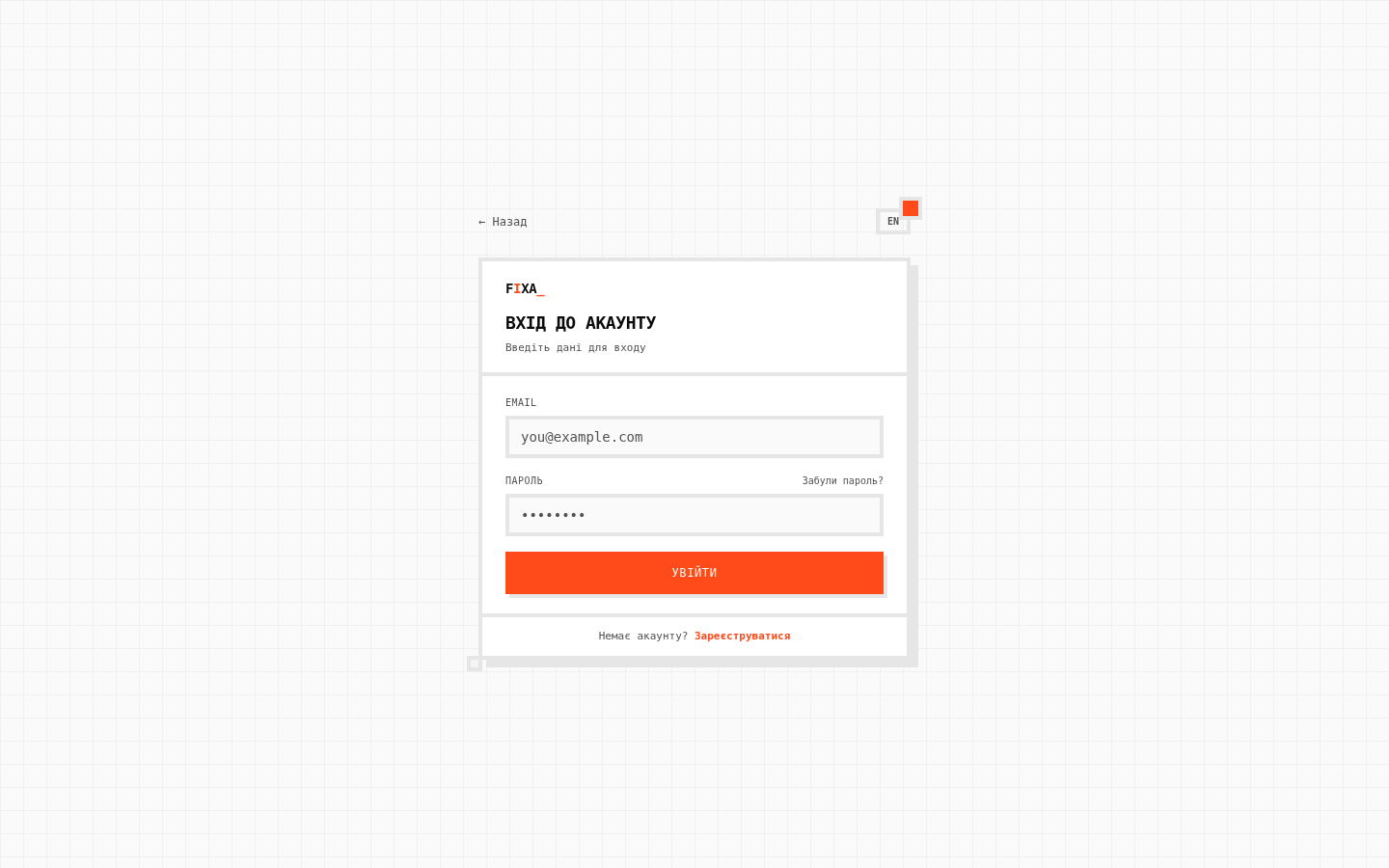
Forgot your password?
- On the login page click "Forgot password?".
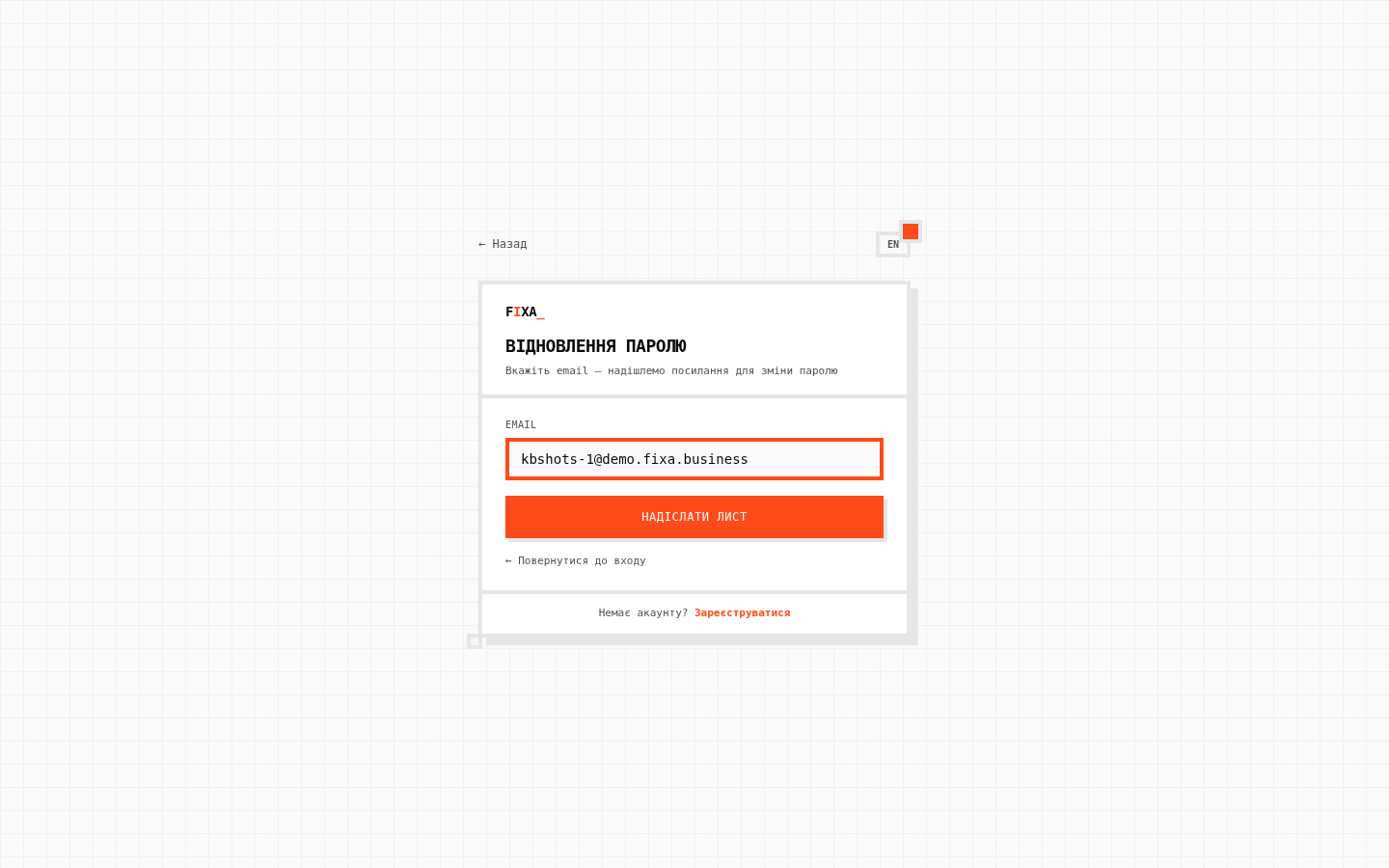
- Enter your account email and click "Send email".
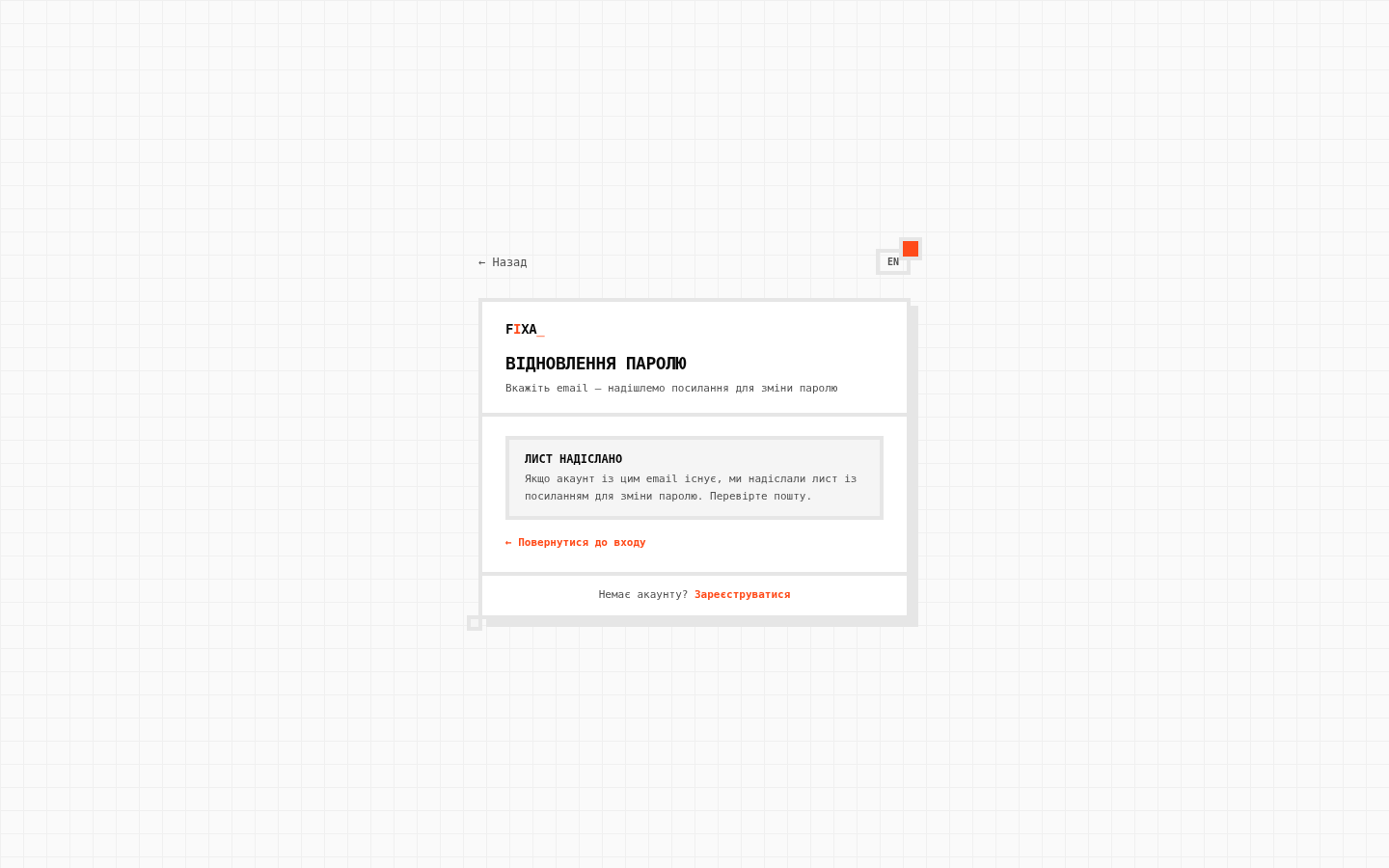
- The system confirms: if an account with that email exists, the link is on its way. Check your inbox (and Spam). A repeat request is possible after a minute — the form will tell you if you rush.
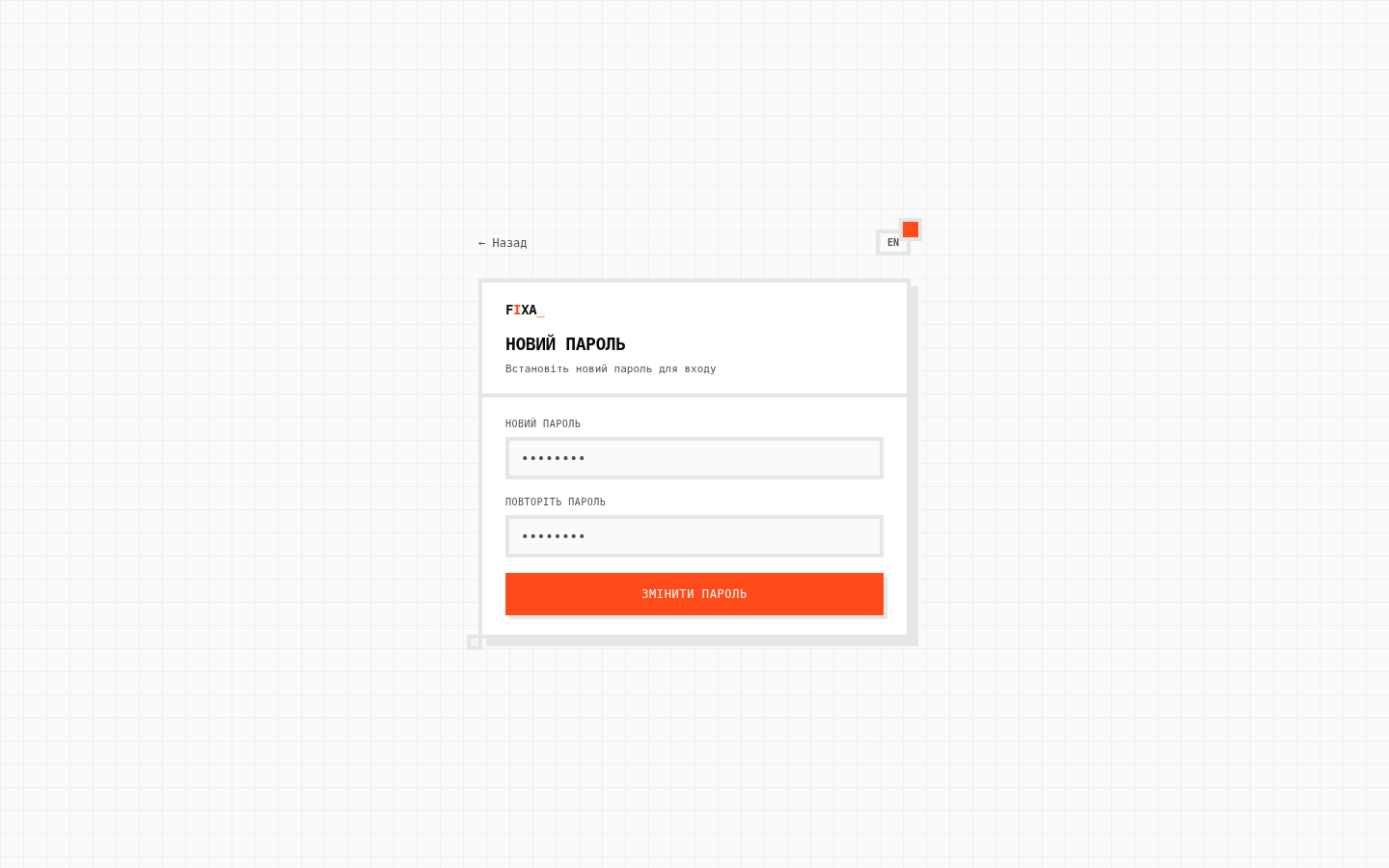
- Follow the link — the "New password" page opens. Enter the new password twice and click "Change password", then sign in with it.
The reset link is one-time. If it didn''t work — just request a new email.
Managing your account in the Profile
Click your profile in the lower-left corner of the sidebar → "Profile". Account-level settings live here:
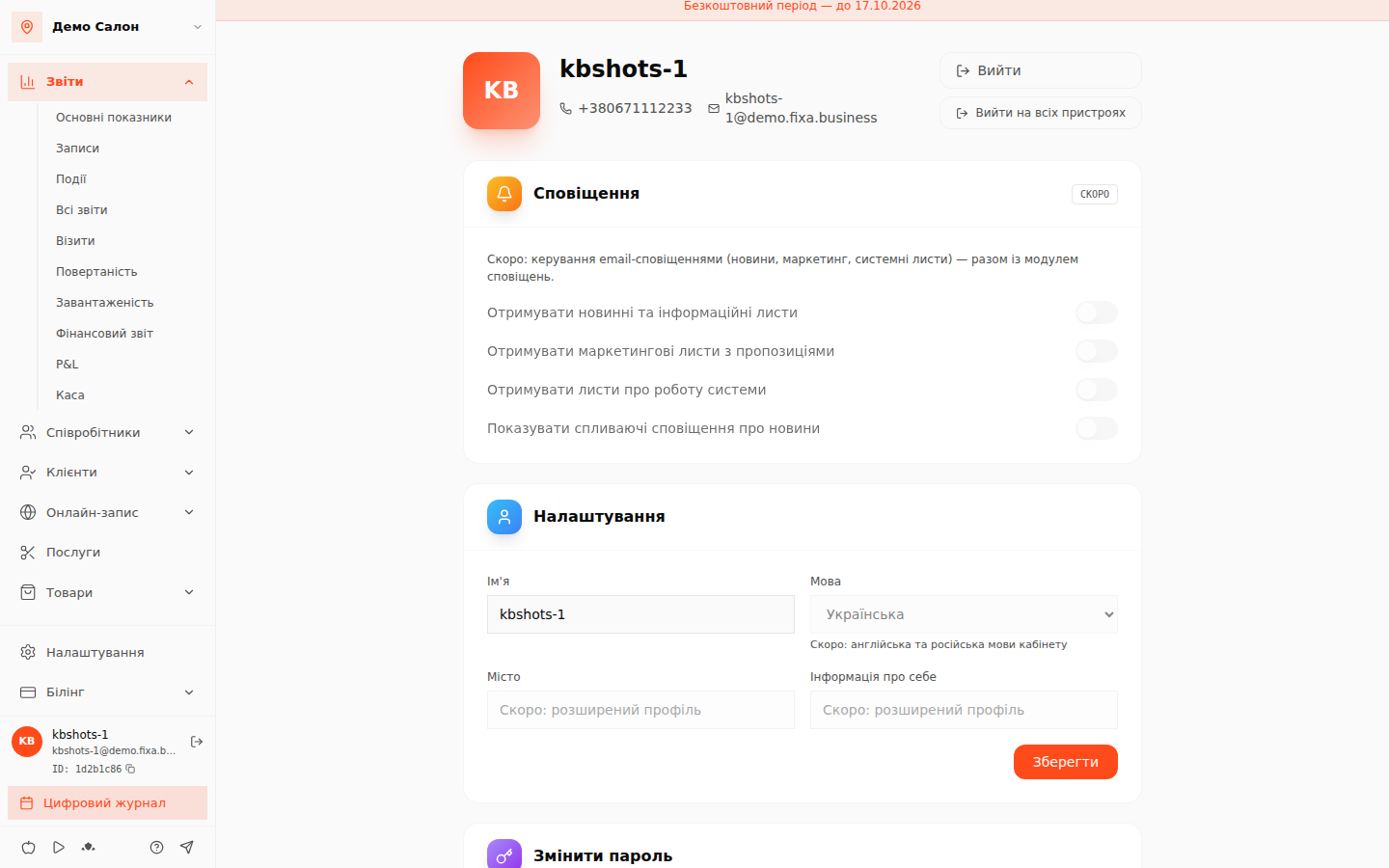
- Change password — enter the current password and the new one; the system verifies the old password first.
- Change email — a confirmation letter goes to the new address; the email changes after you click it.
- Name — how your team and support see you.
- Phone (via SMS code), cabinet language and email notifications are marked "Soon".
Signing out
- "Sign out" — this device only.
- "Sign out on all devices" — logs the account out everywhere: at home, on the admin tablet, in a browser where you once forgot to sign out. Use it if you suspect someone else knows the password (and change the password right away).
Deleting the account
At the bottom of the Profile there is "Delete account": confirming creates a request — support will contact you, agree on the details and remove the data. While the request is pending you can cancel it right there.
Team access security
- A separate account for every employee. Don''t share your own password with admins or masters: invite them personally — see How to invite an employee. An employee only sees their own schedule and appointments.
- One account — many roles. The same email can own one salon and be a master in another: the system shows the right cabinet after login.
- Use a unique password you don''t use on other sites.
- Who changed what in the cabinet is visible in the Event log.
Granular access levels (administrator, manager, accountant) are in development; for now the owner sees the full cabinet and invited employees only their own schedule and appointments.