Individual employee rights
A role defines the template, but each person can have individual deviations — without creating a separate role. It lives on the employee card: Team → card → "Rights" tab.
The tab is active for invited members. If the employee has no account yet, invite them on the "Info" tab and rights management appears.
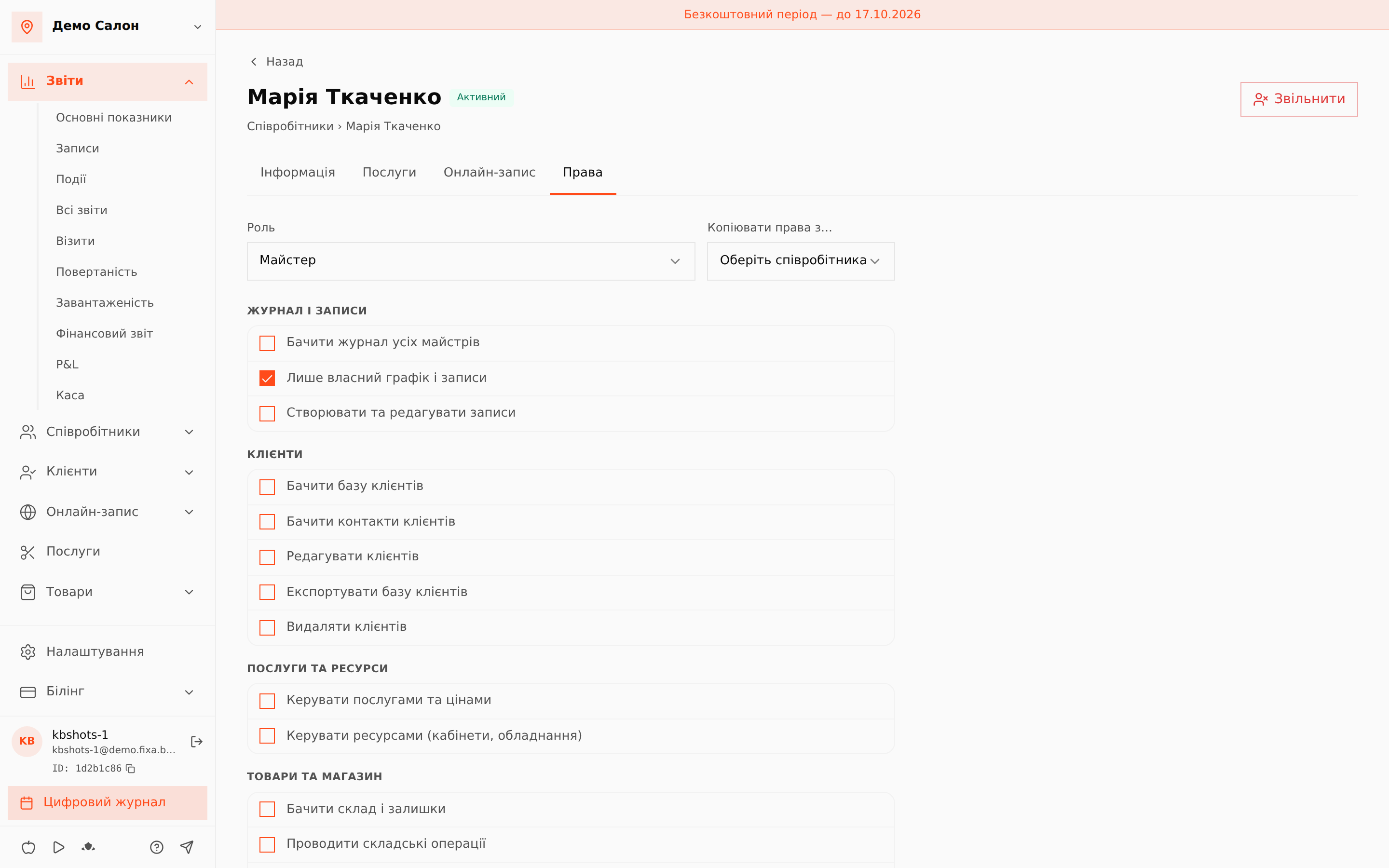
The member's role
At the top — the role selector. Changing the role applies its preset immediately; individual overrides stay on top of it.
Overriding the preset
Below are the same rights as in the role editor. Preset values render muted; as soon as a checkbox deviates from the preset, the right gets a "changed" badge — you instantly see how this person differs from their role. A counter shows the number of changed rights.
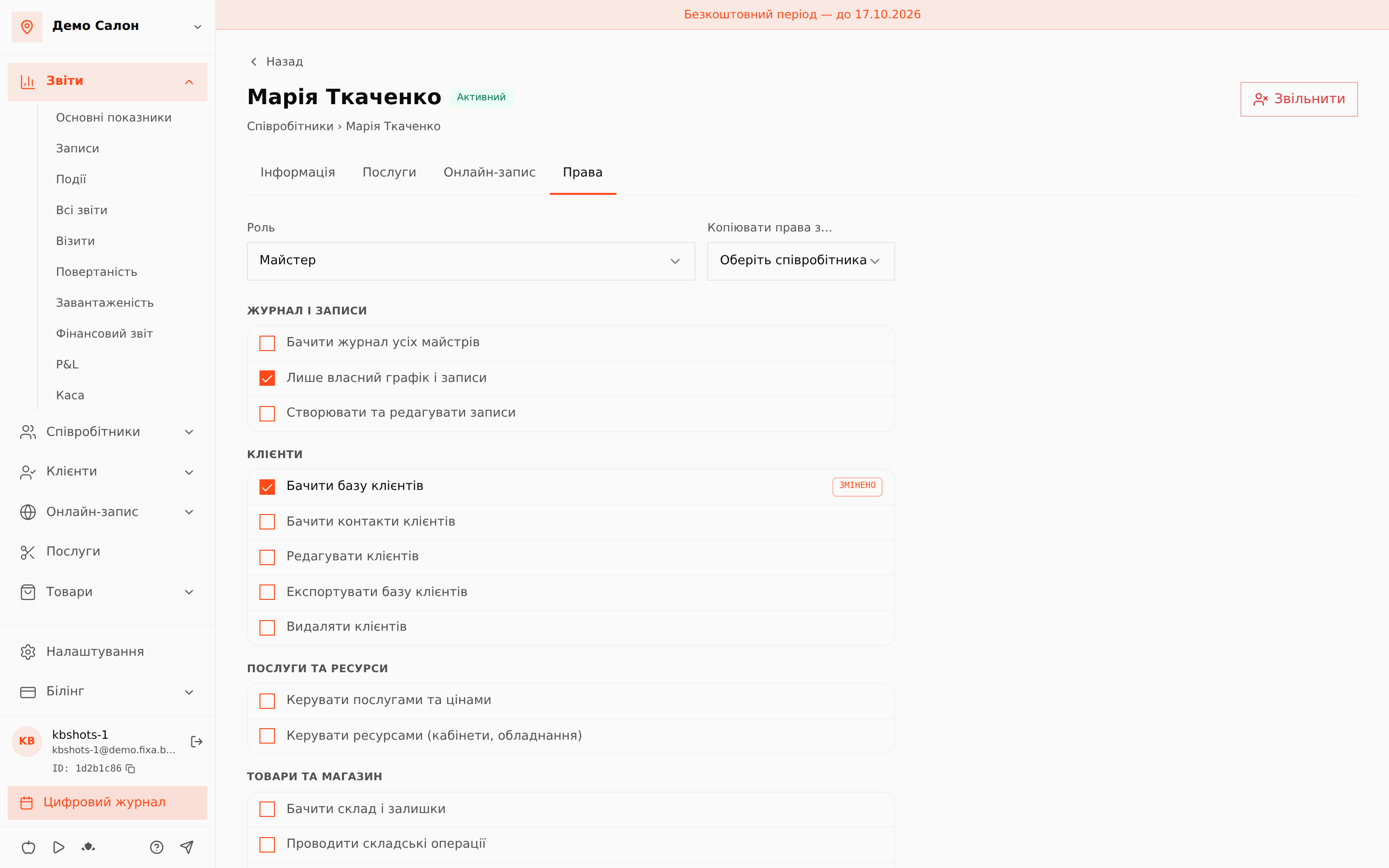
Flip a checkbox back to the preset value and the override disappears by itself: only real deviations are stored. An important consequence: when you edit the role itself, everyone updates automatically — except the rights a person has overridden manually.
Reset to preset
"Reset to preset" removes all individual deviations — the member gets exactly their role's rights again.
Copy rights from another member
Configured one person perfectly? Pick them in "Copy rights from…" on another member's card — both the role and all individual overrides are copied.
Related
- Roles and access rights — how role templates work;
- Inviting an employee — how to give a member an account.