Creating an appointment in the journal
An appointment takes a few clicks to create — even when the client calls for the first time and is not in your base yet.
Two ways to open the creation panel
- From a grid cell. Click a free cell in a staff column — the panel opens with the master and time pre-filled (the start is rounded to 15 minutes).
- The “+ Запис” button in the journal header — the master and time can be changed inside the panel: pick the master in the list on top, change the time with the “Змінити” button next to the date.
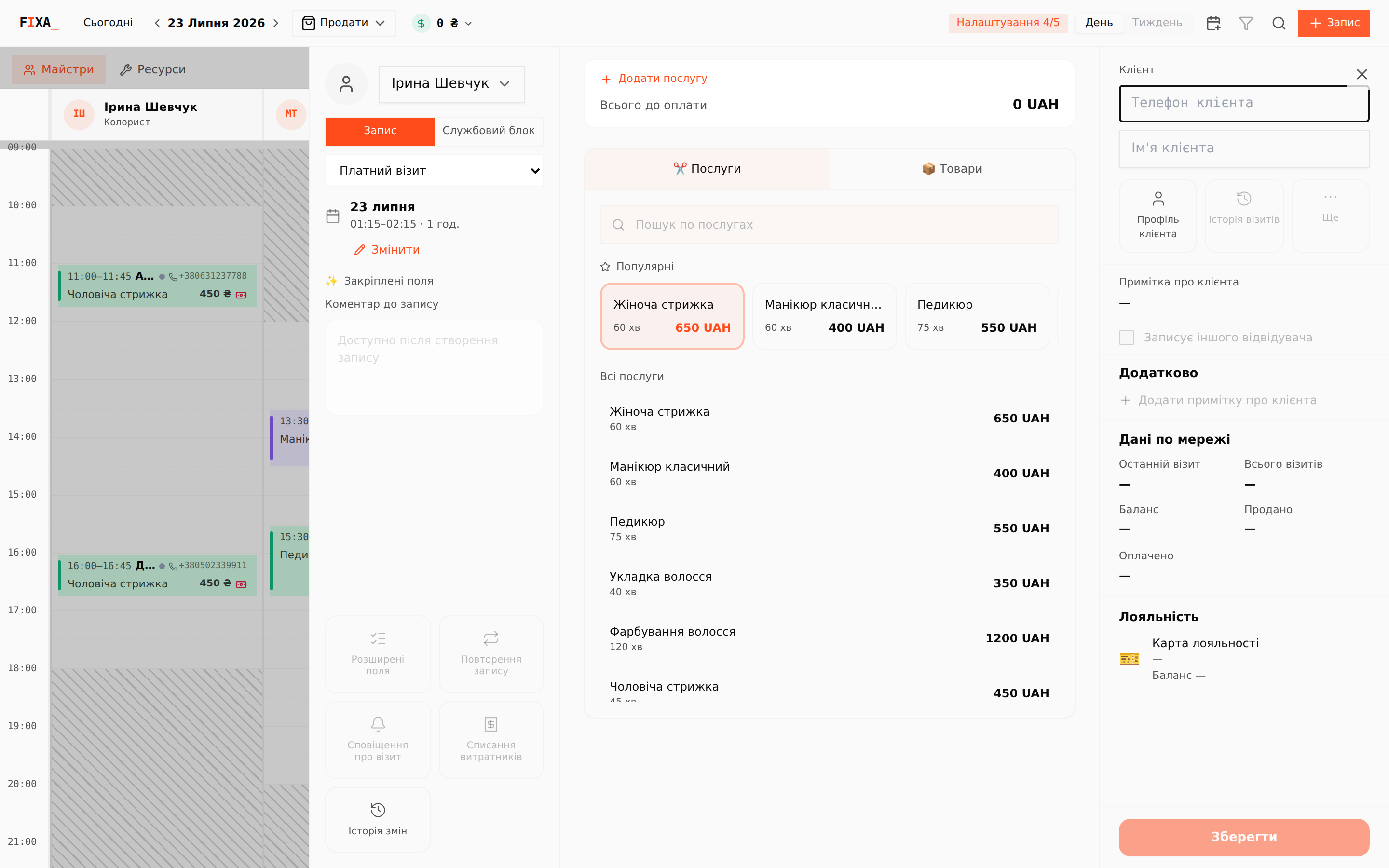
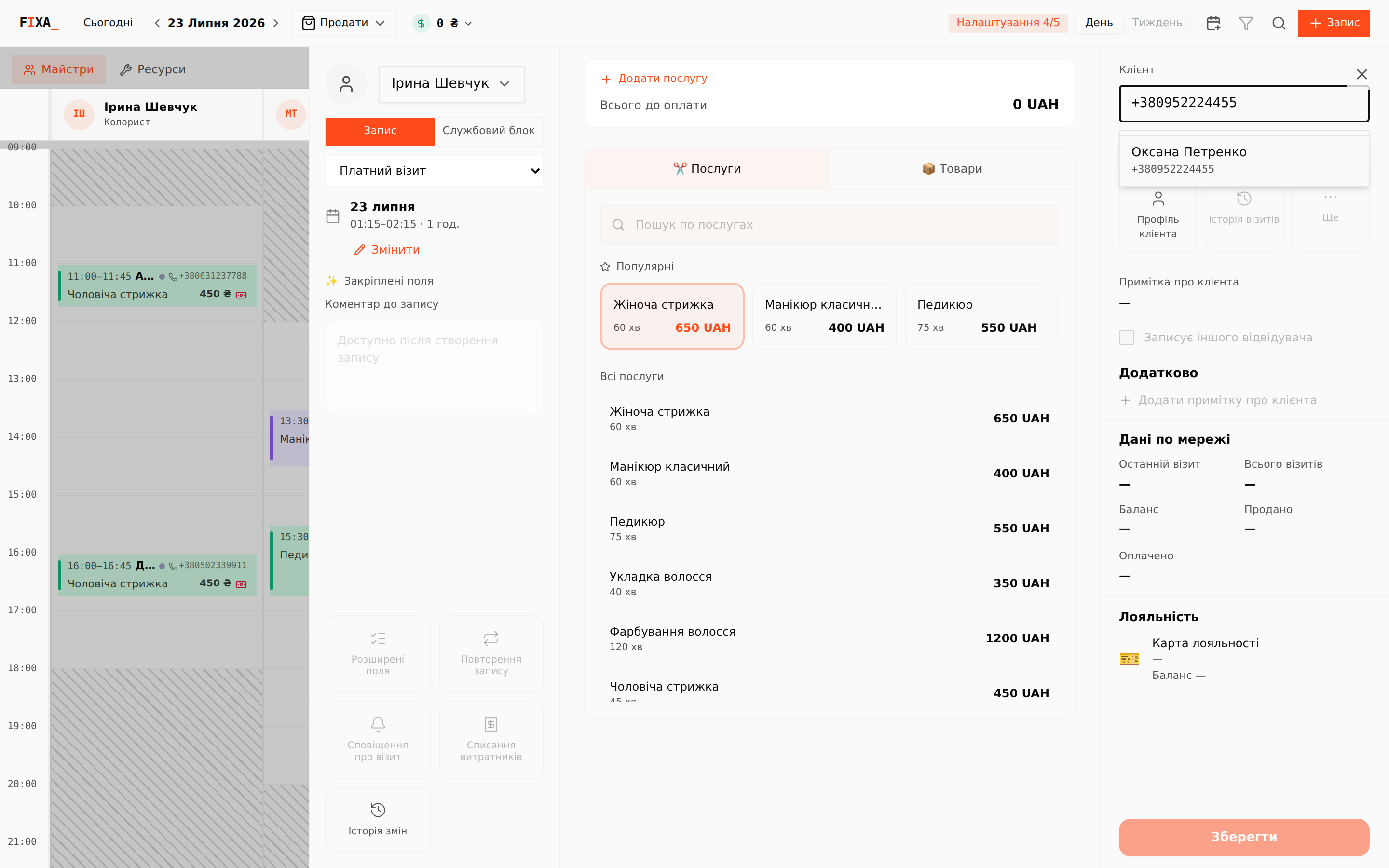
Client
Start typing the number in the “Телефон клієнта” (Client phone) field: if the client already exists, FIXA finds them and offers to fill them in. If not — enter the phone and name, and a new client is created together with the appointment.
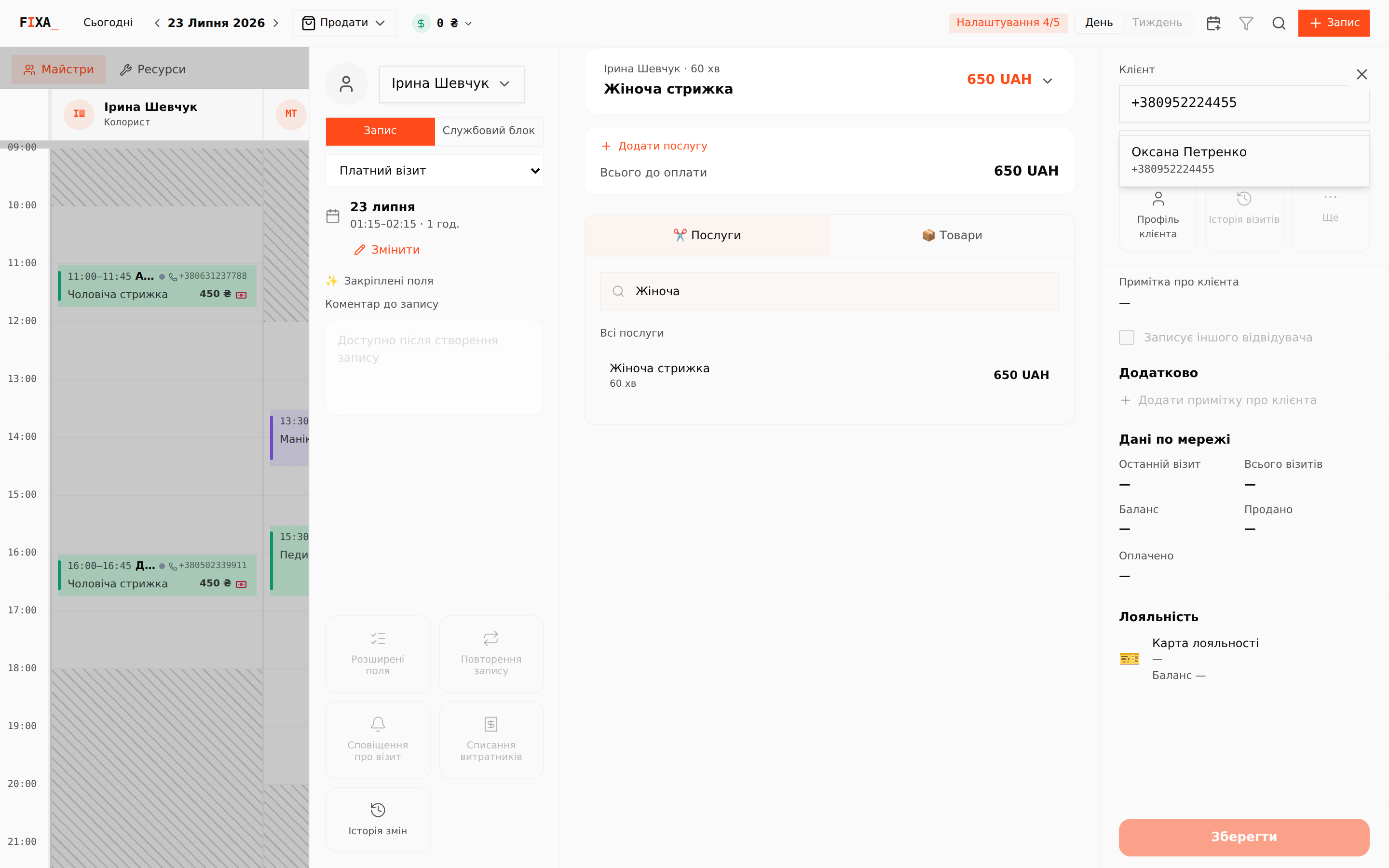
Services
Add one or several services: the “Популярні” (Popular) quick cards or the service catalog search. The price comes from your price list respecting the master's position; the “Всього до оплати” (Total due) sum is calculated automatically. The “Товари” (Products) tab lets you add a product to the visit right away.
Appointment type
The select under the “Запис / Службовий блок” switch sets the type: “Платний візит” (Paid visit) by default; other types (e.g. “Model”, “Friends & family”, “Barter”) have their own card color in the journal. The set of types is configurable for your business.
Save
The “Зберегти” (Save) button activates once a client and at least one service are set. The appointment appears in the grid — next you can take a payment, reschedule or cancel it.
For a clientless entry (lunch, cleaning) switch to “Службовий блок” — covered in a separate article.