Moving from a paper journal: a step-by-step plan
If your salon currently lives in a notebook or Excel — this plan moves it into the system in one evening, with no downtime.
Step 1. Basic setup (≈30 minutes)
 2. Add services with prices — start with the top 10 most frequent ones, add the rest later.
3. Add specialists and set their work schedules for the next two weeks.
2. Add services with prices — start with the top 10 most frequent ones, add the rest later.
3. Add specialists and set their work schedules for the next two weeks.
Step 2. Transfer the upcoming appointments
Open the notebook and move the appointments for the next 1-2 weeks into the journal — how to create an appointment. Enter clients by phone number: the base will fill itself, no separate “base upload” needed.
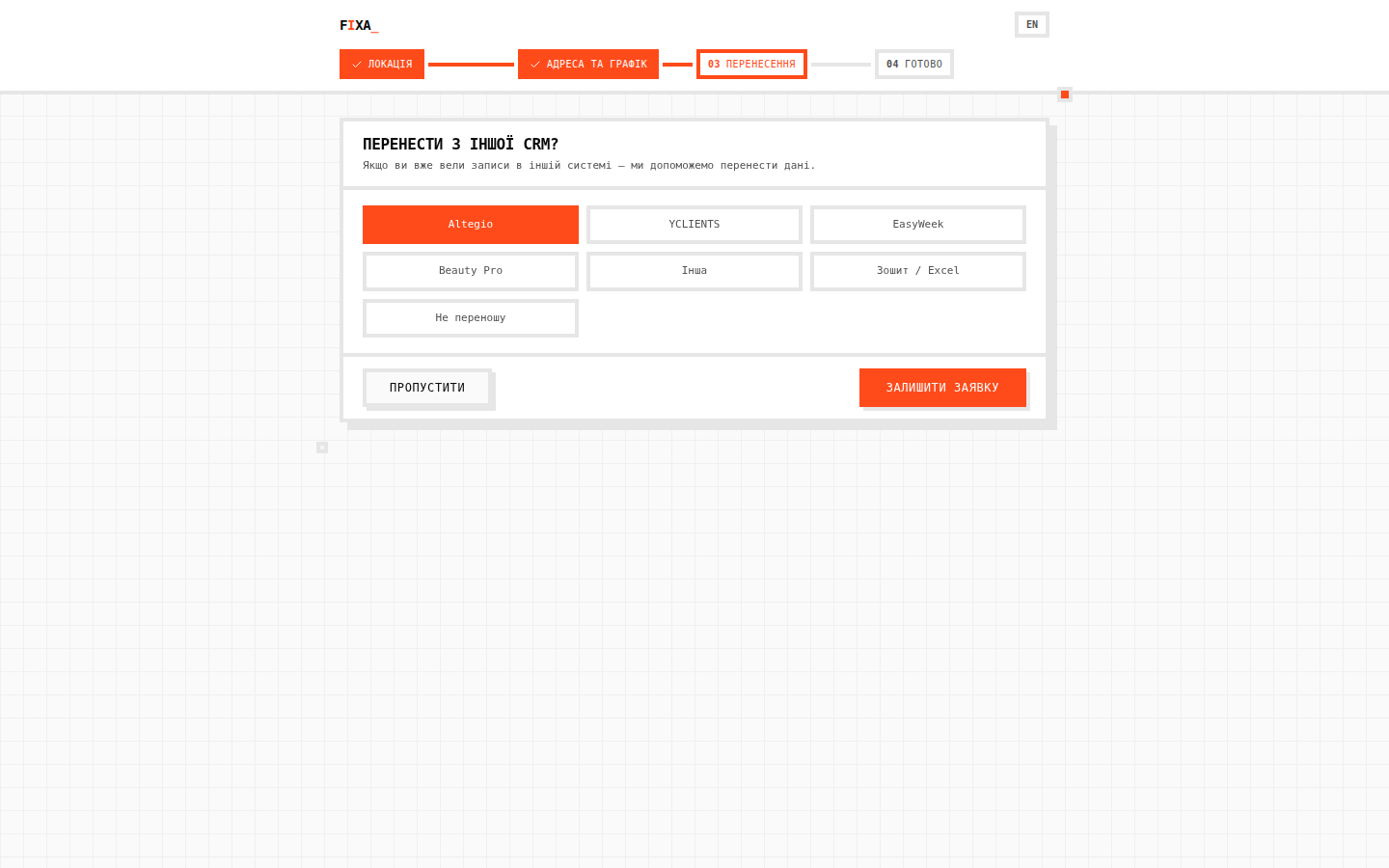
💡 Tip: don't try to transfer the notebook's whole history — you will rarely need it. The base fills up with live visits within a few weeks. And if the history does matter — submit a request on the “Перенесення” (Transfer) step during registration, a manager will help.
Step 3. Take payments in the system
From day one, close visits with a payment — cash goes to the cash register, terminal payments to the cashless register. At the end of the day the “Каса за день” (Daily cash) report will match the real till — and reconciliations “from memory” are over.
Step 4. Turn on online booking
Create a link, assign specialists to services and put the link in Instagram. Part of the “can you book me in” calls will turn into clients booking themselves.
The first weeks
- Keep everything in the system — a parallel notebook nullifies the reports.
- Check “Звіти → Візити” (Reports → Visits) and the daily cash report for 2 minutes every day — the numbers quickly become a habit.
- Questions? Read the feature overview or write to us — we will help.